Coming soon
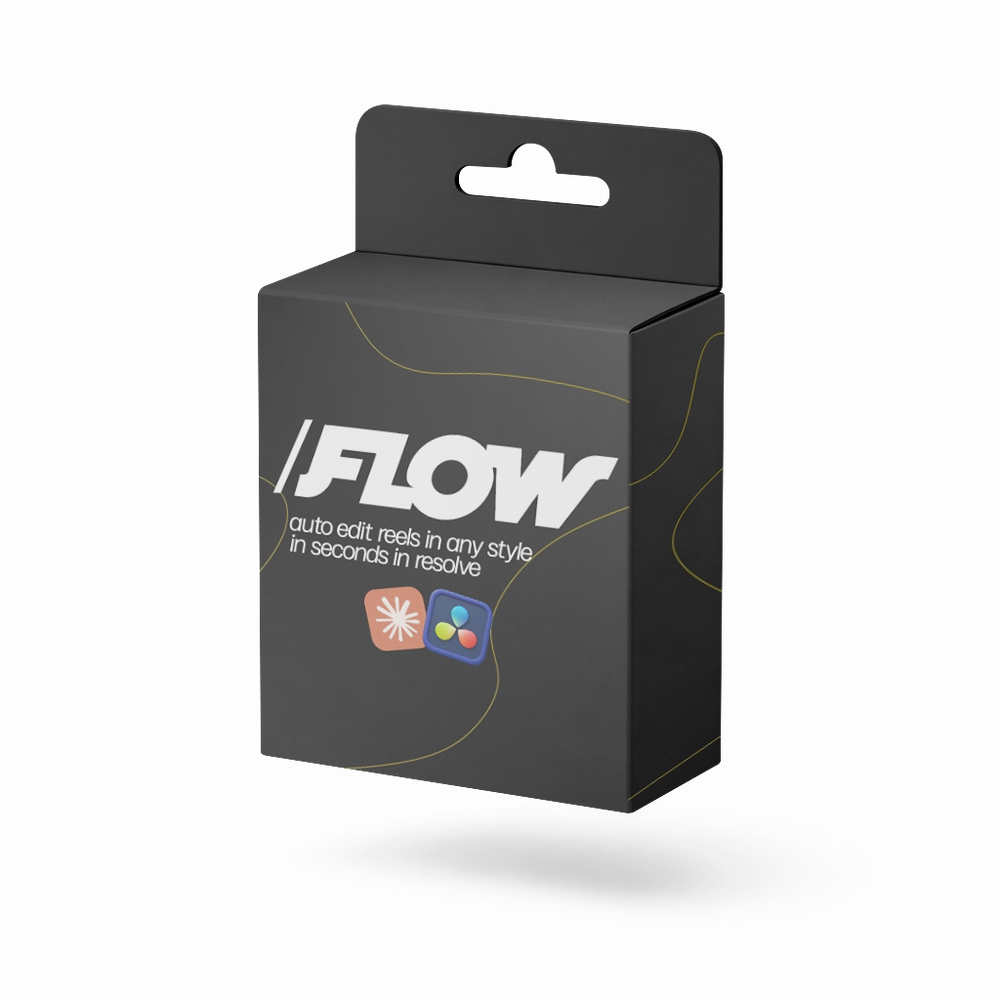
Auto edit your reels in DaVinci Resolve, right from Claude. Get on the list and we'll email you the second it's live.
Unlocks at 8:00 AM ET
← Back to the storeA Claude plugin for DaVinci Resolve
Type /flow, tell it to edit your video in DaVinci Resolve, answer a few questions. Done.

How it works
Open your clip in DaVinci Resolve and tell Claude to edit it. FLOW asks a few quick questions, then cuts, captions and grades the whole thing right on your timeline.
Before / after
Left: the clip straight from your camera, pauses and retakes included. Right: what FLOW handed back about 45 seconds later. Turn the sound on and drag to hear the difference.
Drag the handle
Talking head
Left: the raw talking-head clip. Right: FLOW's Talking Head edit, same clip. Turn the sound on and drag.
Drag the handle
Demo
A full walkthrough of FLOW editing inside DaVinci Resolve.
Editing styles
Pick a ready-made style, or teach FLOW how you edit and it will cut every video that way.
Simplicity
One-word captions, premium fonts, clean and minimal.
Simple Talking Head
Clean cuts and captions for straight-to-camera.
Advanced Talking Head
More motion, more hooks, more energy.
Business
Polished and professional for brands.
YT Shorts
Built for vertical Shorts.
Your own style
Teach FLOW how you edit.
Editing made simple. Instant access.
FAQ
A Mac, DaVinci Resolve Studio and the Claude desktop app.
Not yet. FLOW is built for Mac right now.
No. FLOW needs DaVinci Resolve Studio.
Yes. Use the five ready-made styles or teach FLOW how you edit.
Yes. FLOW builds a normal Resolve timeline, so every cut and caption stays editable.
Right after checkout you'll get your download by email, along with a setup guide that walks you through installing FLOW into Claude.
